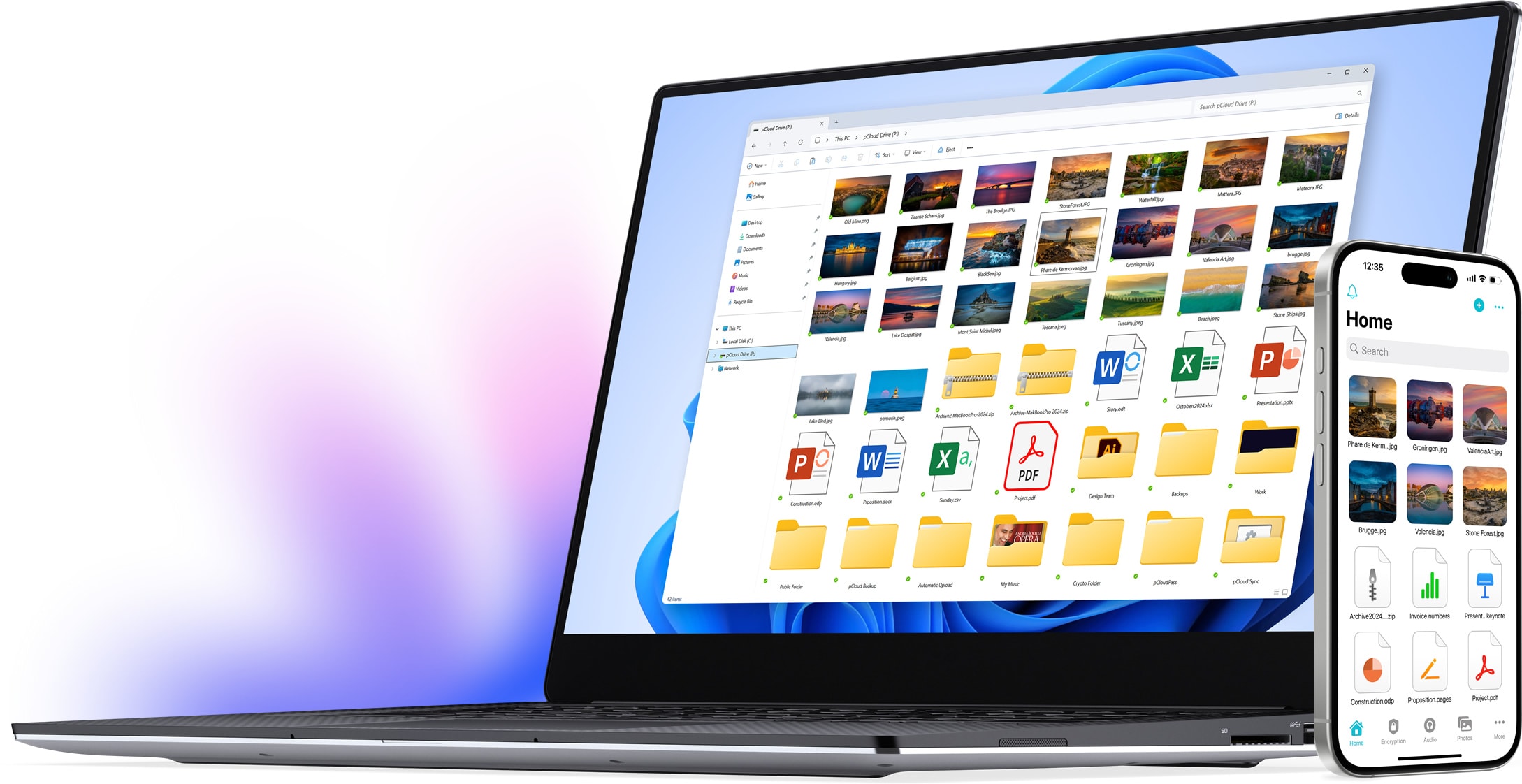
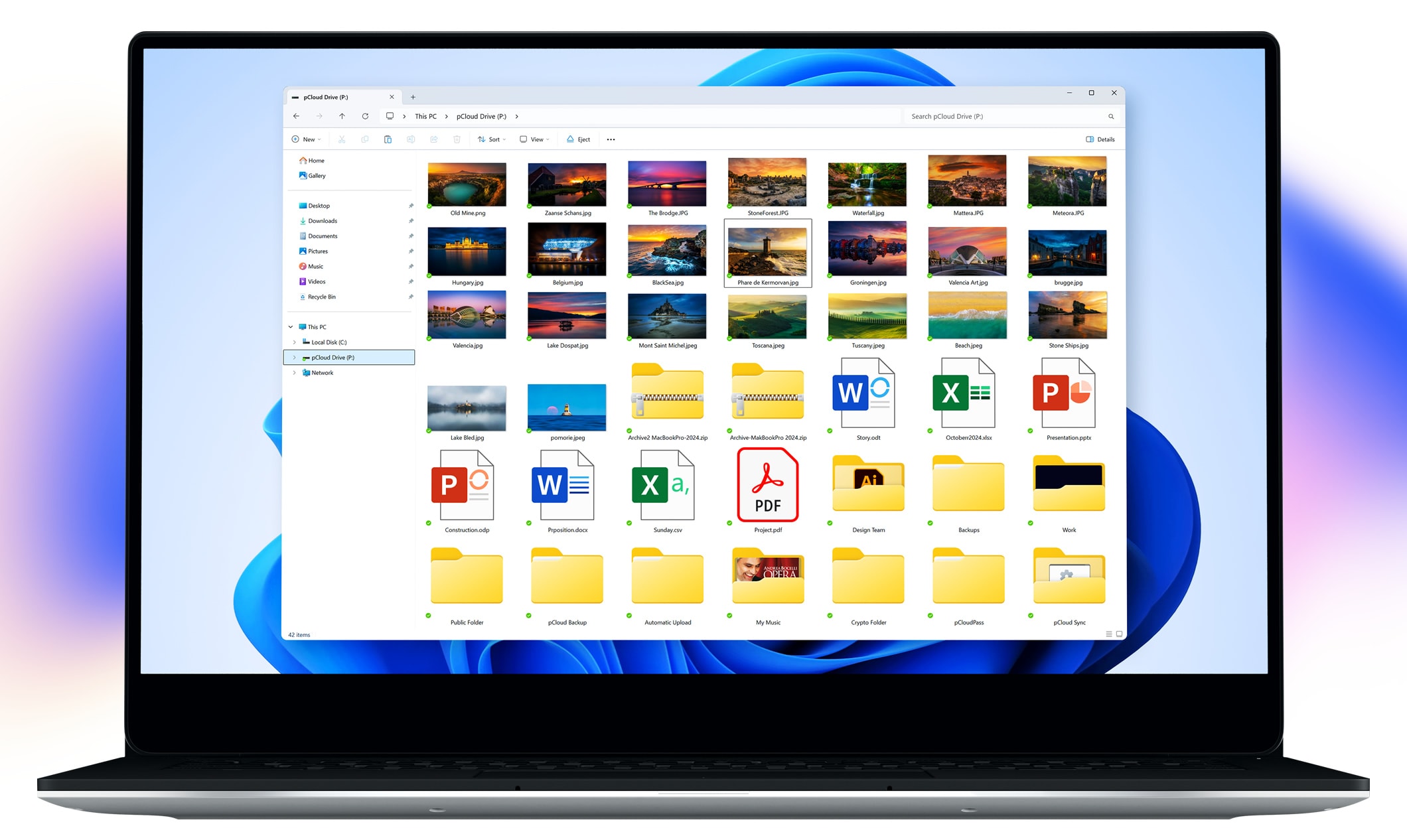
pCloud Drive for Windows
Expand your PC’s storage with up to 10TB. Access cloud files as if they’re stored locally, without using hard drive space.
Requires Windows 10 or later
How to install pCloud Drive
Features
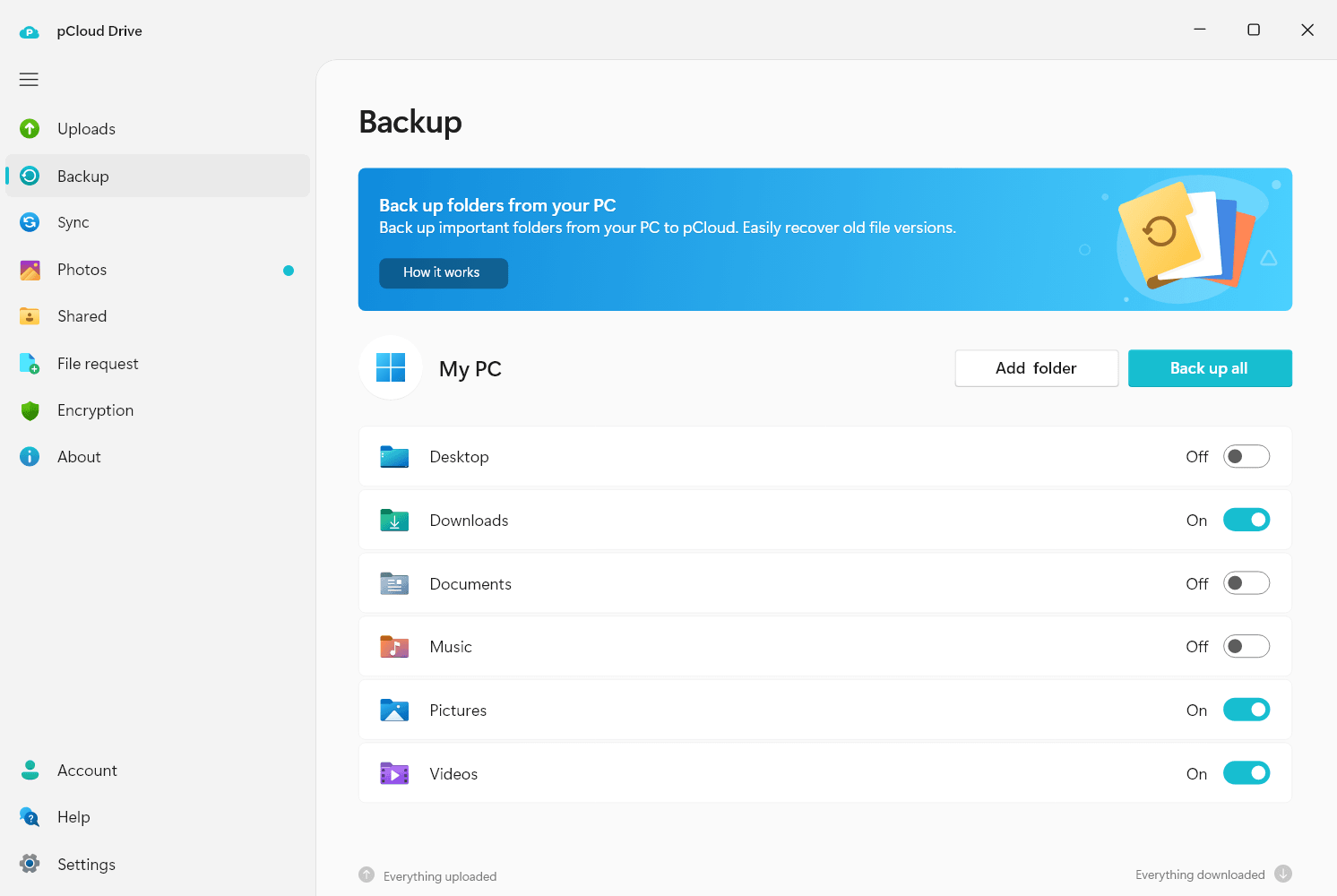
Back Up
Securely back up data from your computer to pCloud. Recover old versions of your files from up to 365 days.
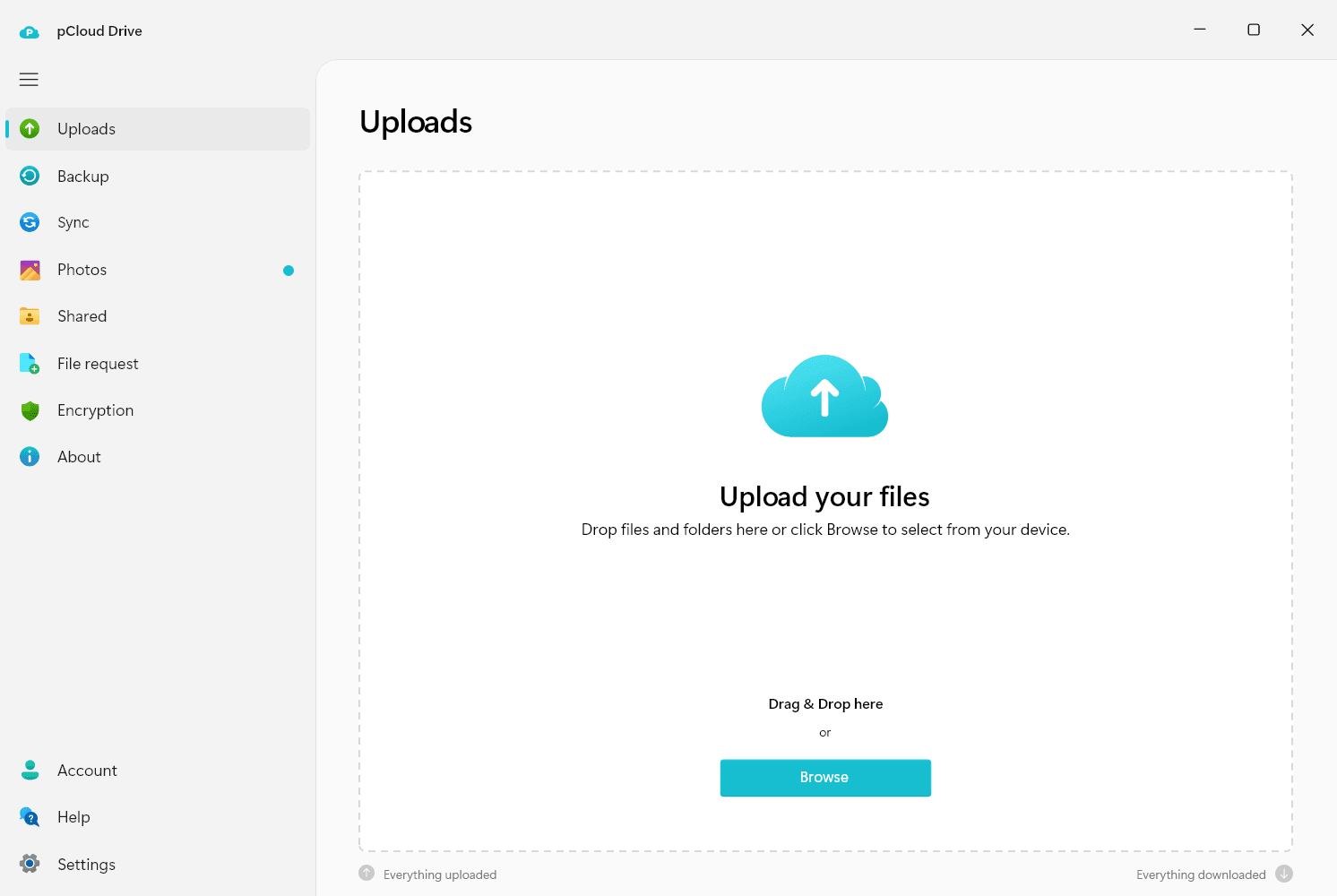
Upload
Make stable uploads that don’t use the local disc space for caching. Enjoy unlimited file size and speed.
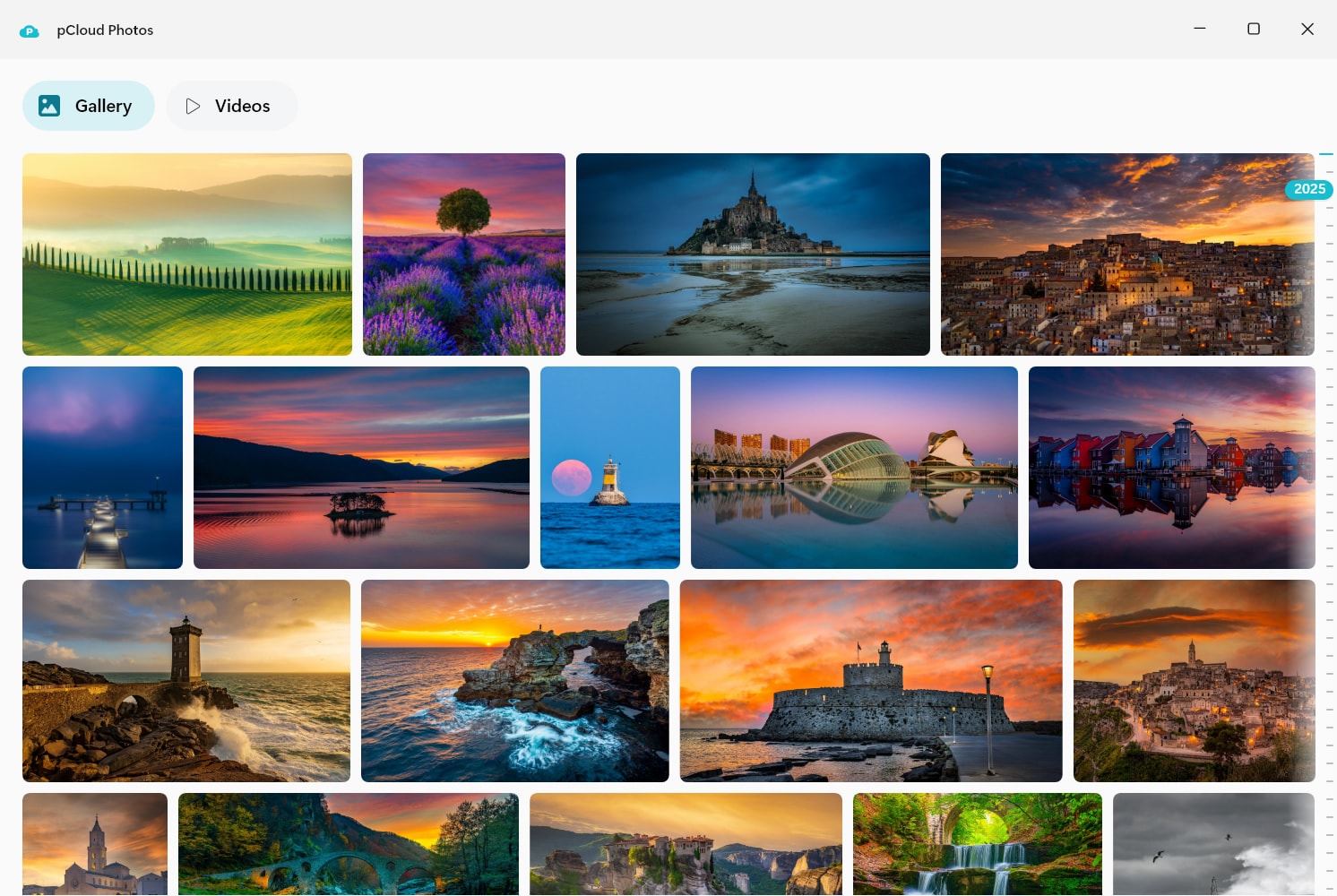
Photos
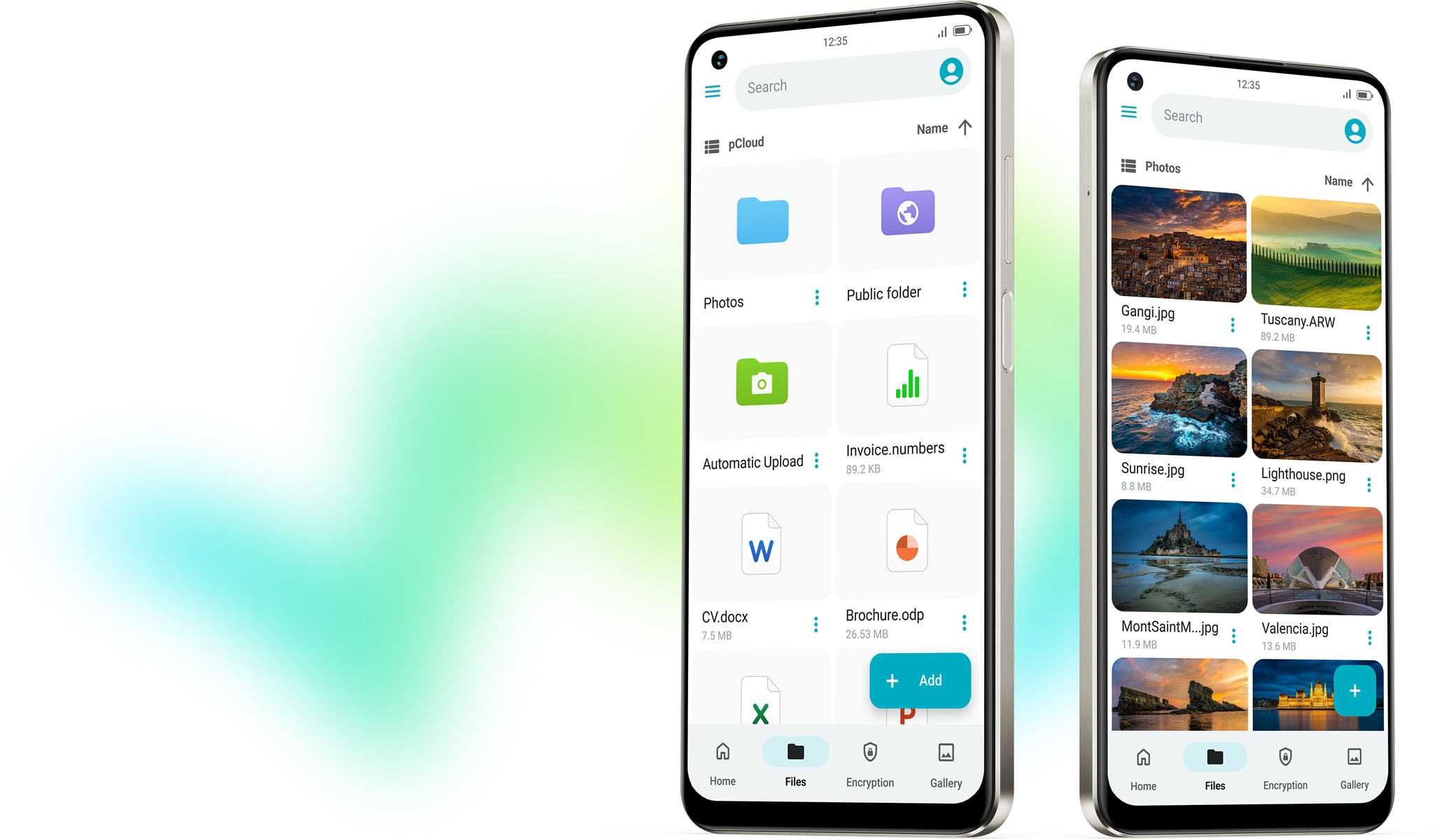
Manage your photos and videos in one place with quick access. Relive your memories with an easy-to-scroll timeline.
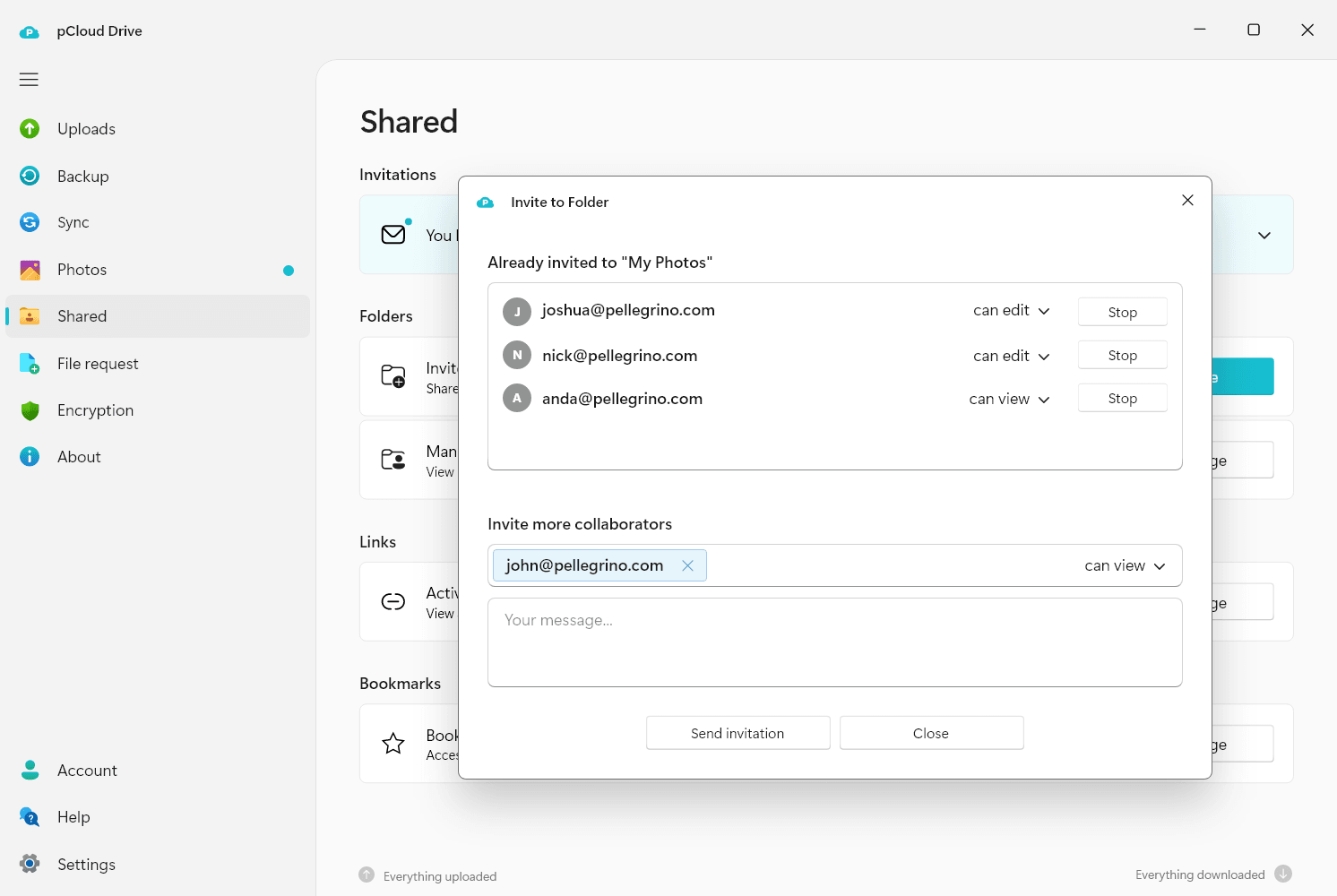
Share and collaborate
Share files securely and collaborate with customisable access controls for efficient teamwork.
Encryption
Keep your files fully private with our zero-knowledge encryption. This means only you hold the keys to decipher your data, to others — it’s unreadable. Enabling Encryption adds a Crypto folder to your account, so you have the freedom to store both client-side and server-side encrypted files.

Install pCloud Drive
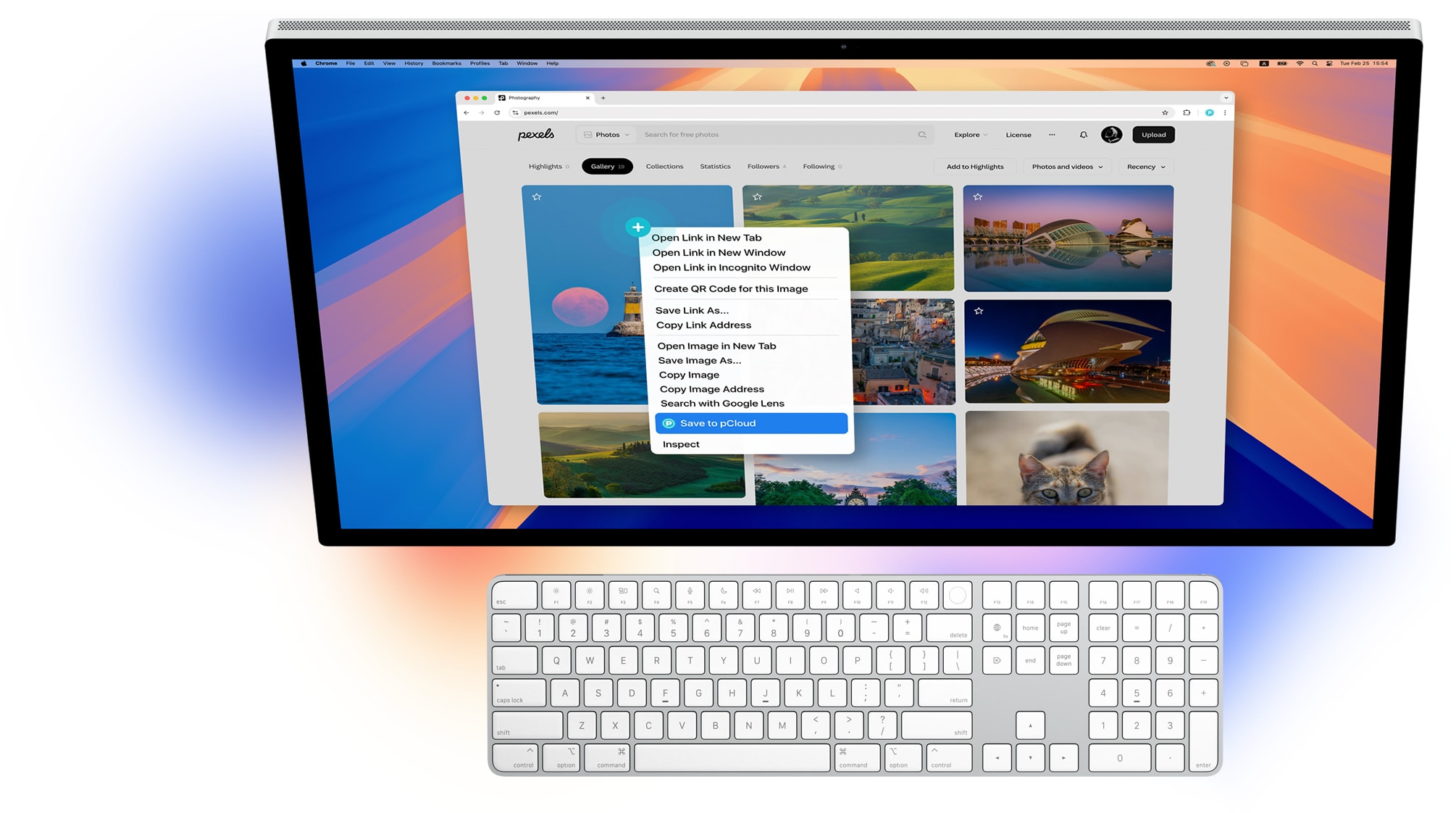
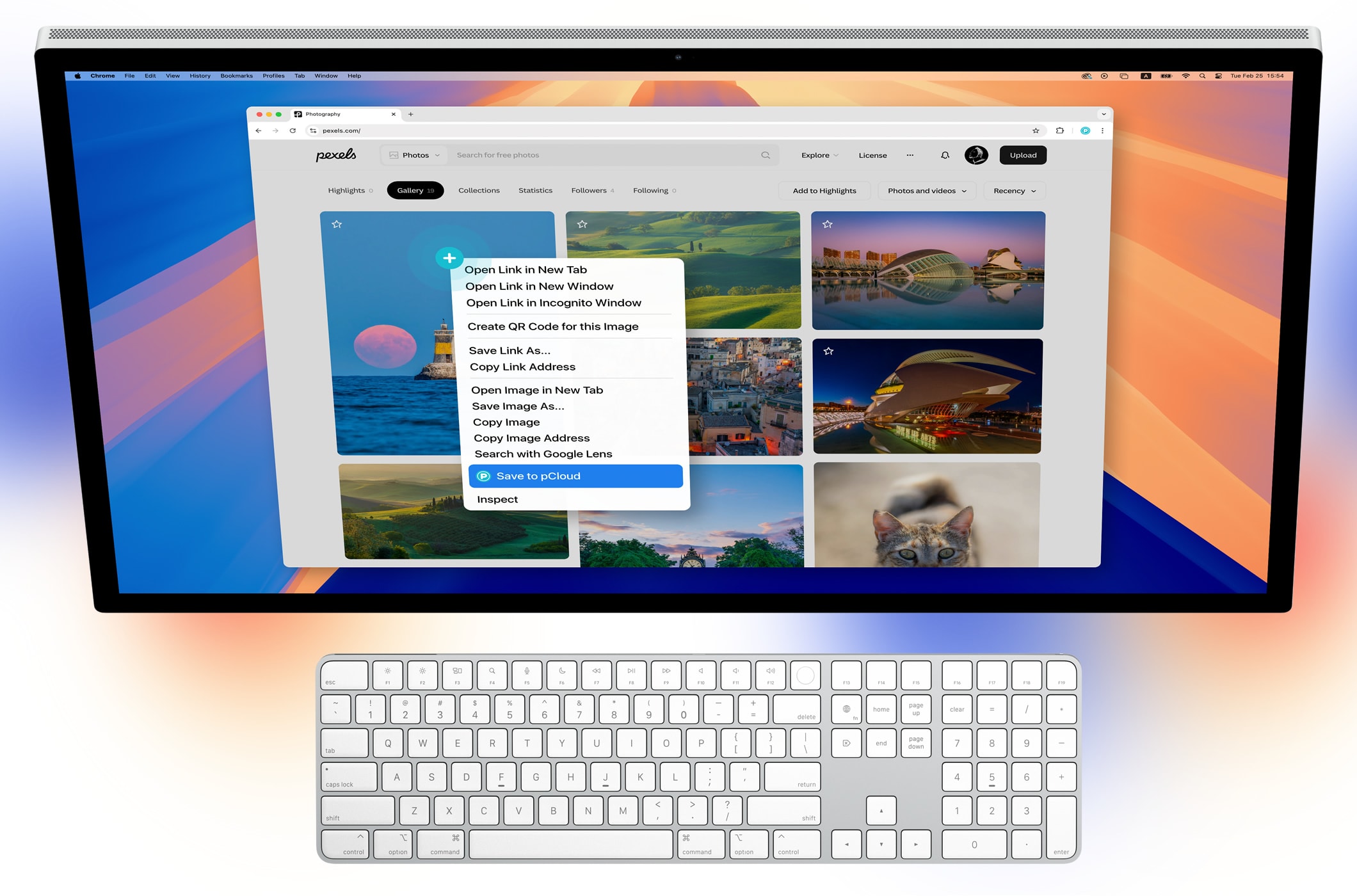
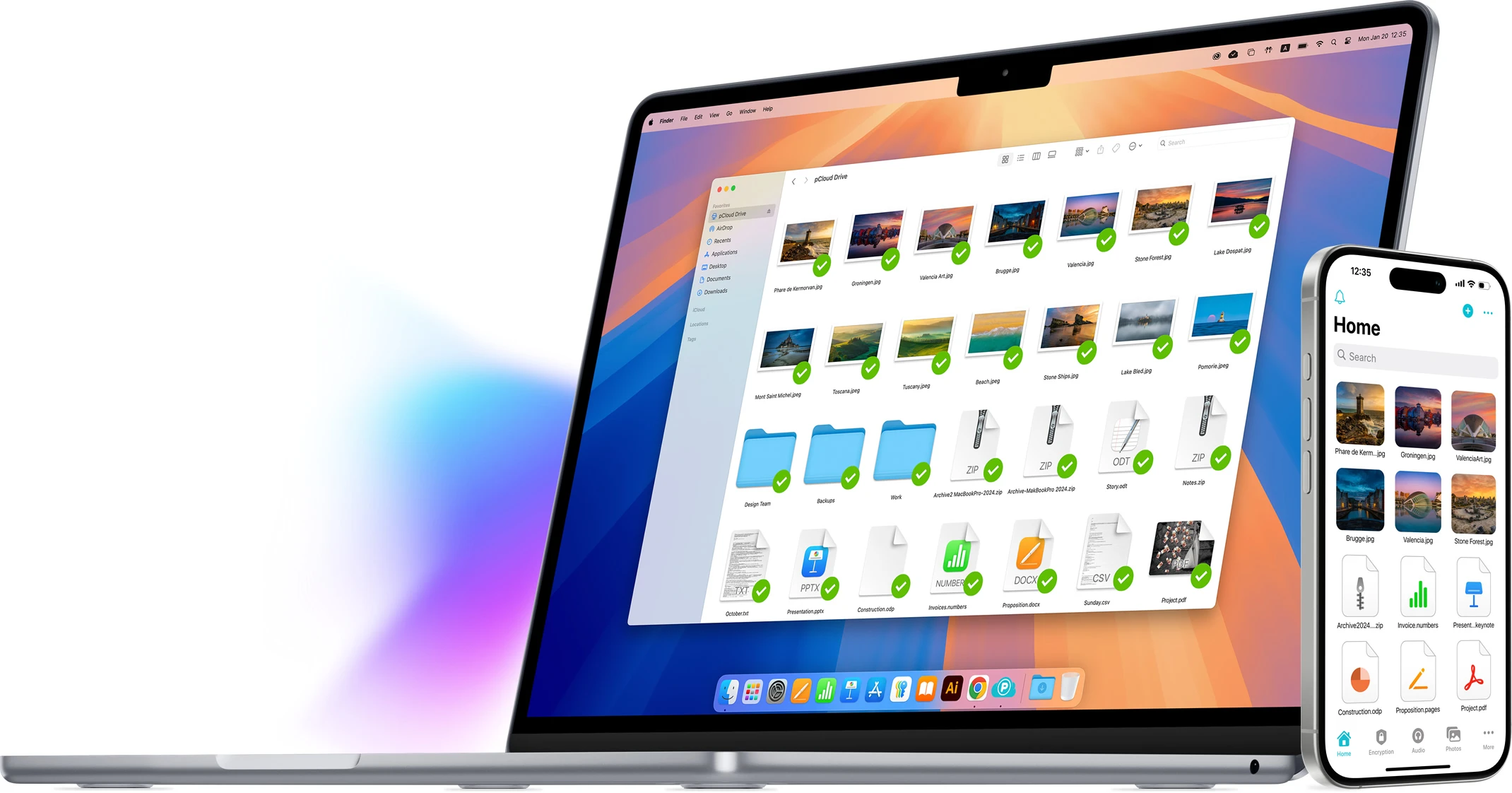
pCloud Drive for macOS
Expand your Mac's storage
with up to 10TB. Access cloud files as if they’re stored locally,
without using hard drive space.
Requires macOS 12 or
later
Features
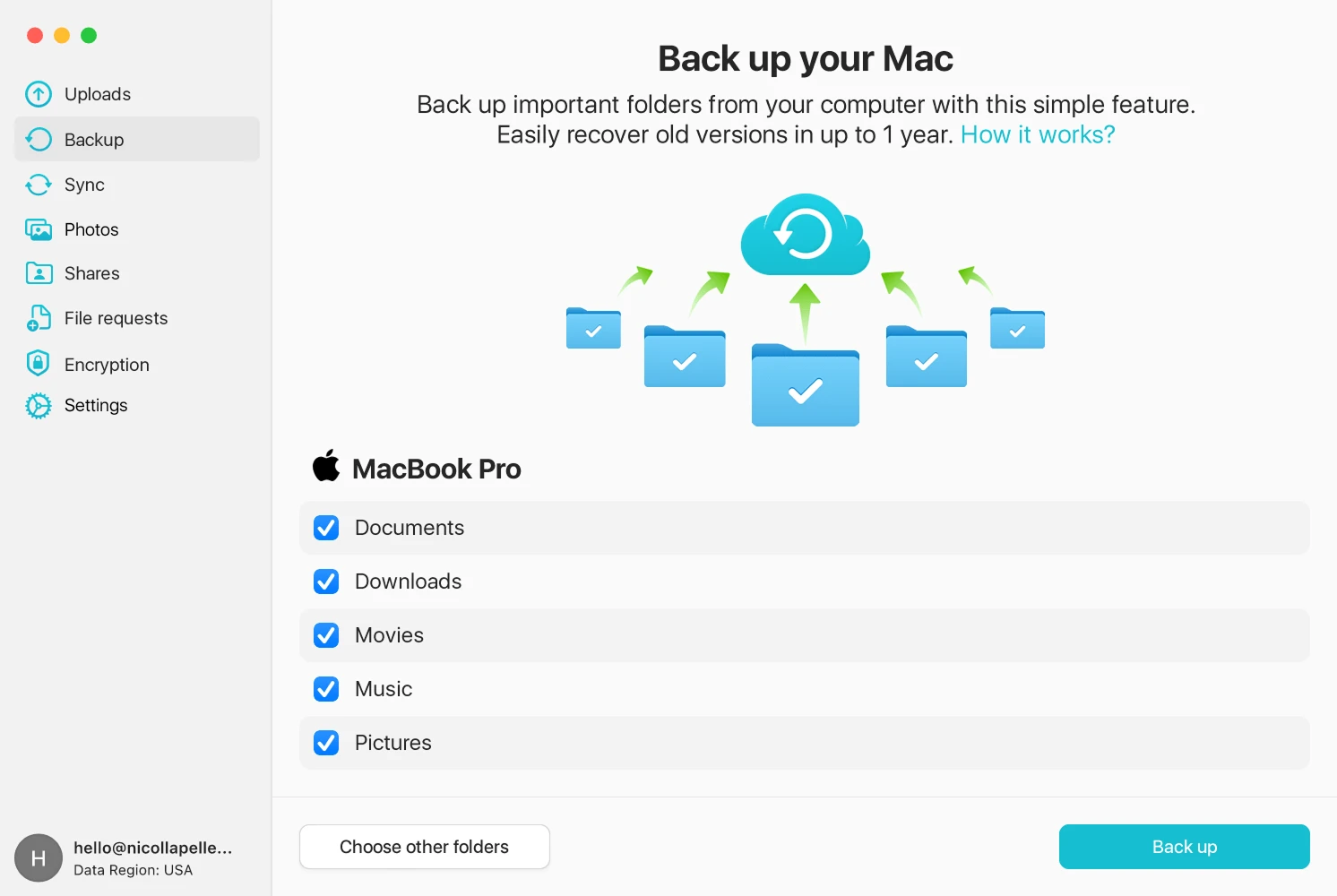
Back Up
Securely back up data from your
computer to pCloud. Recover old versions of your files from up to 365 days.
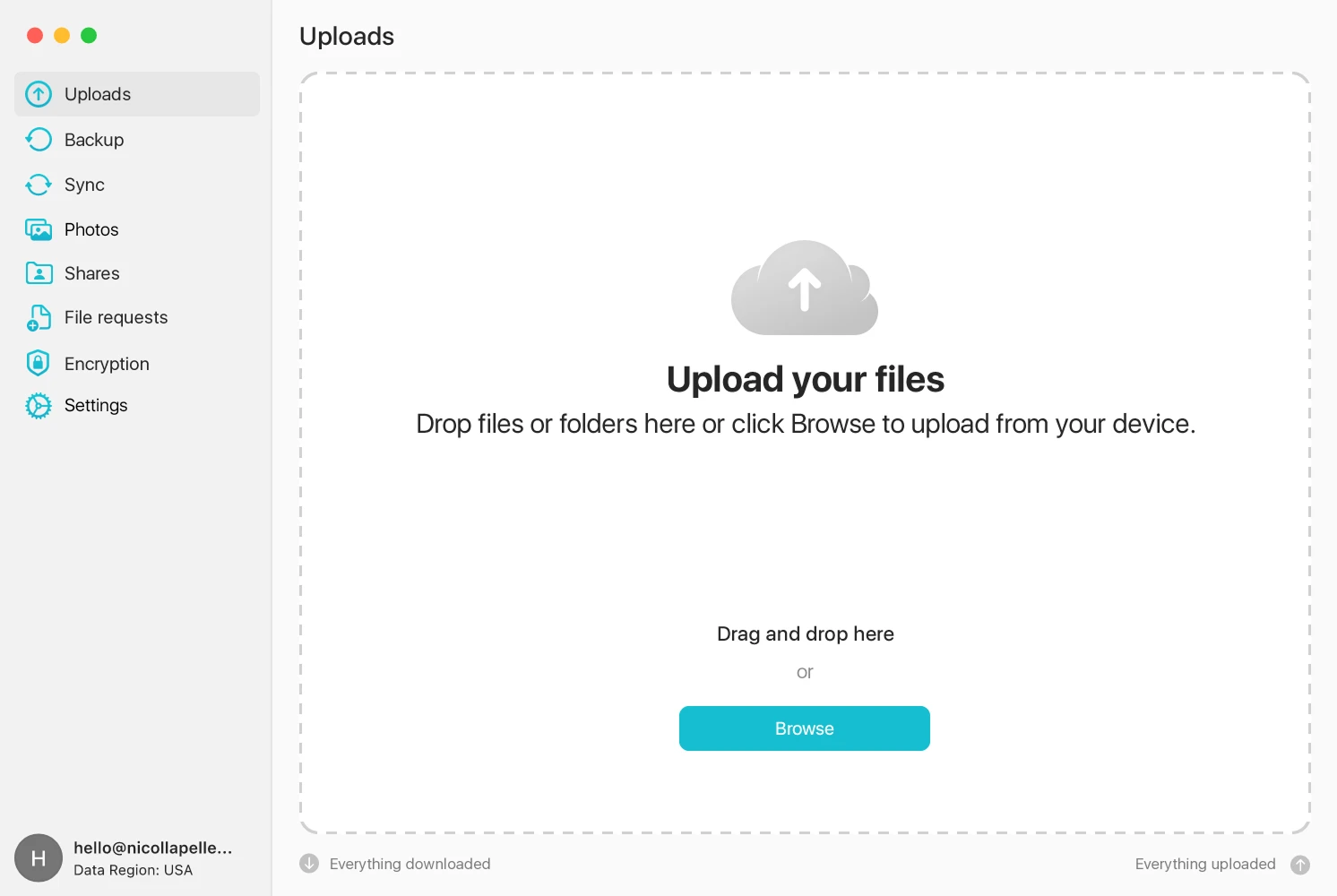
Upload
Make stable uploads that don’t
use the local disc space for caching. Enjoy unlimited file size and speed.
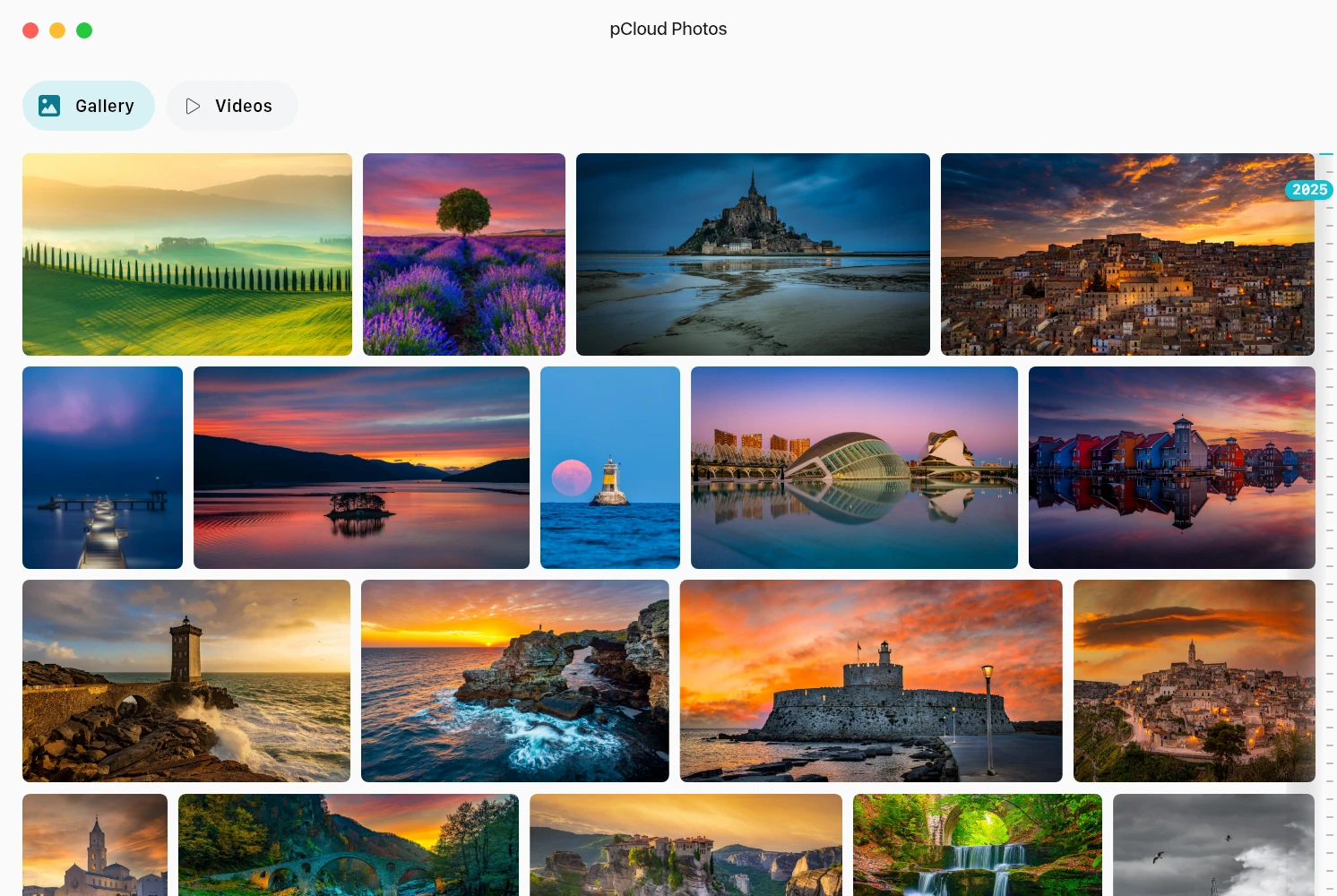
Photos
Manage your photos and videos
in one place with quick access. Relive your memories with an easy-to-scroll
timeline.
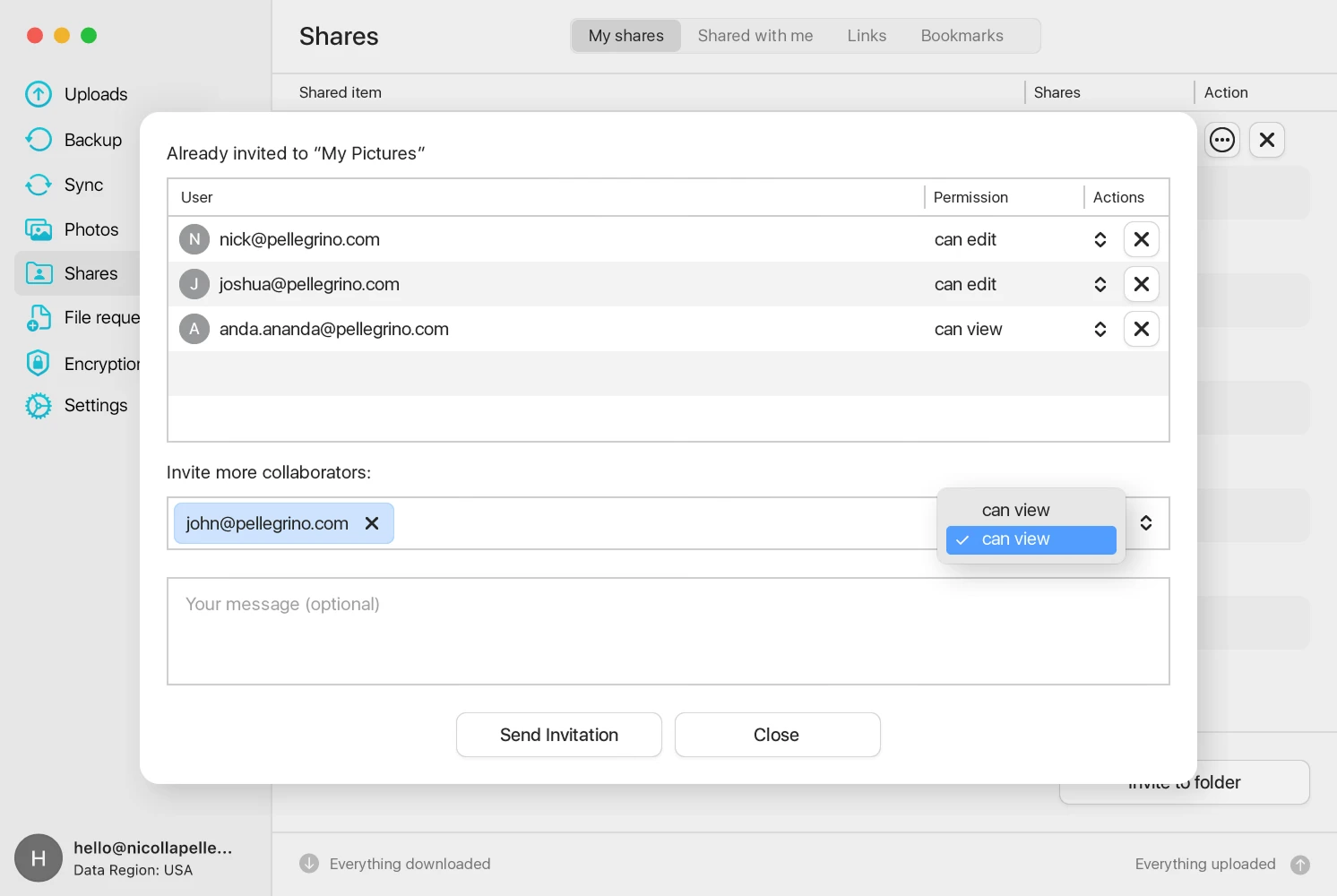
Share and collaborate
Share files securely and
collaborate with customisable access controls for efficient teamwork.
Encryption
Keep your files fully private with our
zero-knowledge encryption. This means only you hold the keys to decipher
your data, to others — it’s unreadable. Enabling Encryption adds a Crypto
folder to your account, so you have the freedom to store both client-side
and server-side encrypted files.

Install pCloud Drive
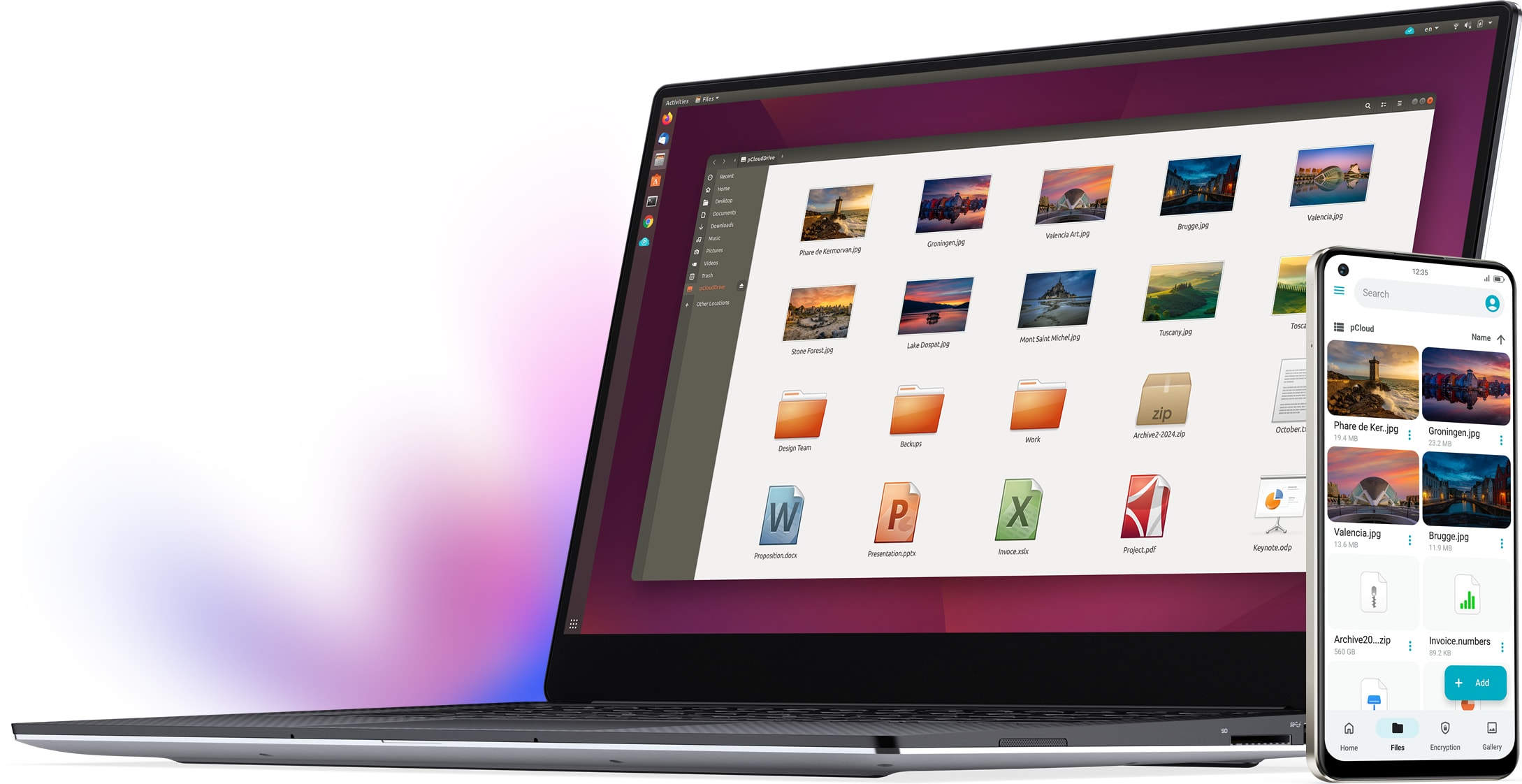
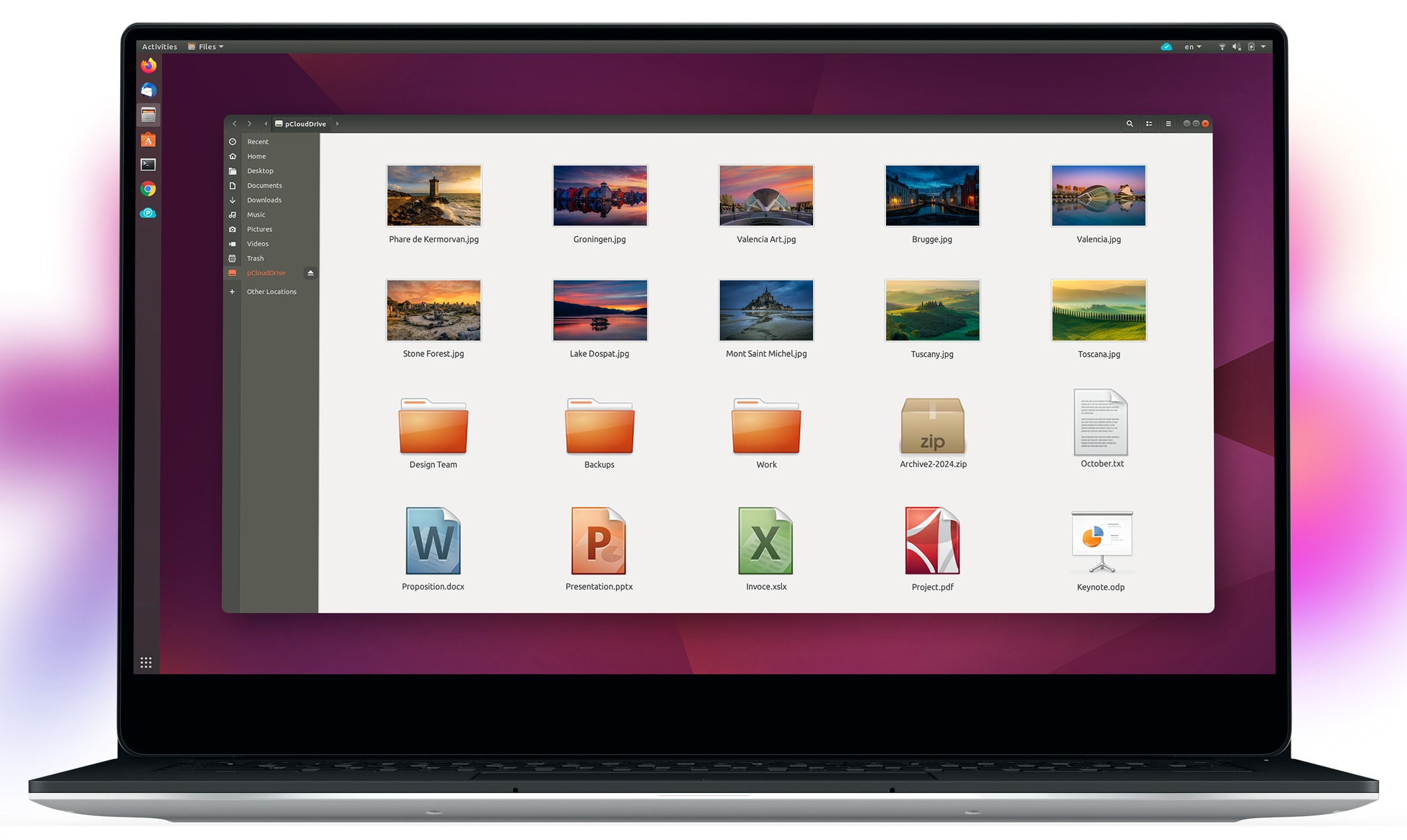
pCloud Drive for Linux, Now New
Access cloud files as if they’re stored locally, without using hard drive space. Also available as a CLI version
Requires Ubuntu 20.04, Mint 20, Fedora 33, Arch Linux, Debian 11 or later derivative distributions.
How to install pCloud Drive
Features
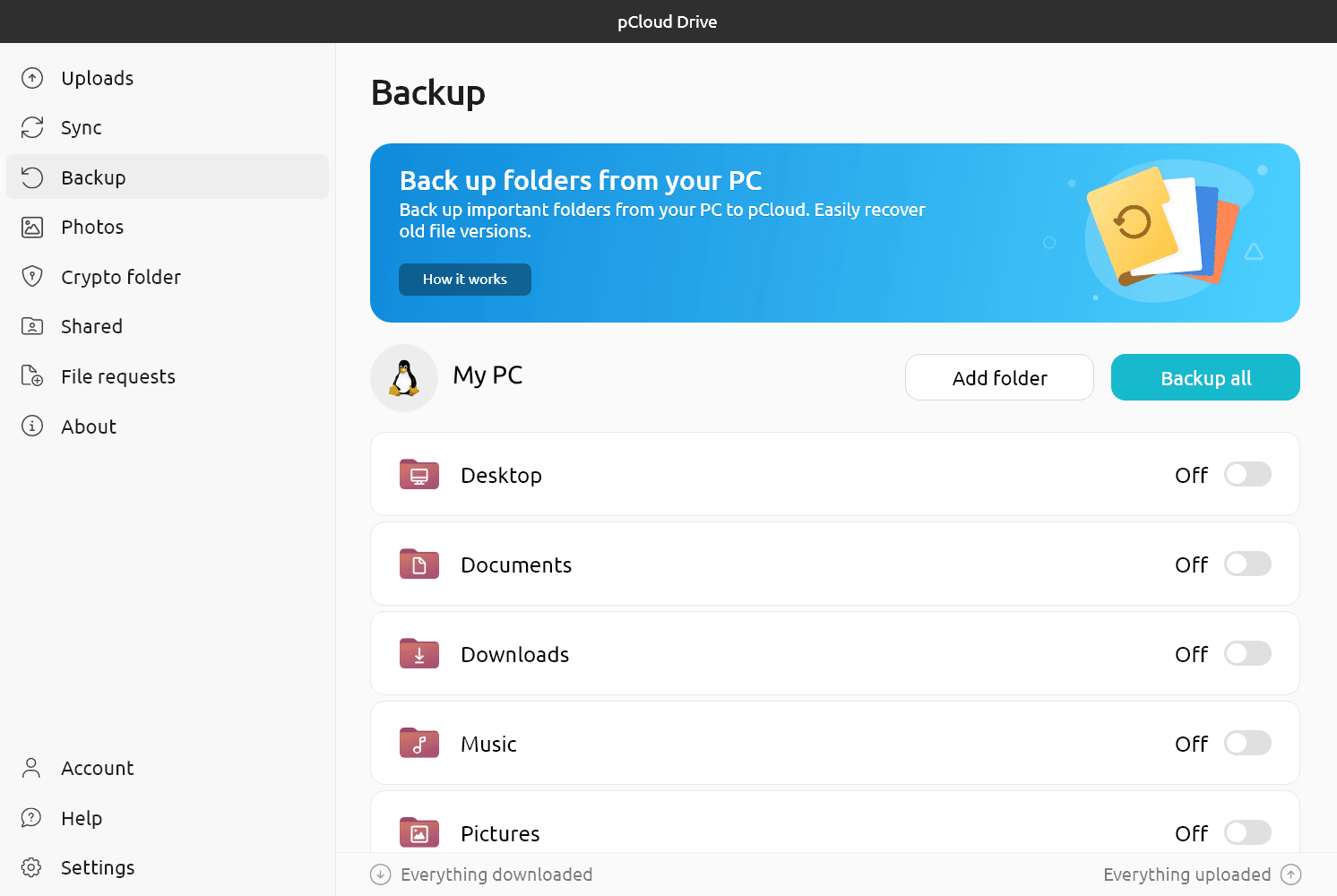
Back Up
Securely back up data from your computer to pCloud. Recover old versions of your files from up to 365 days.
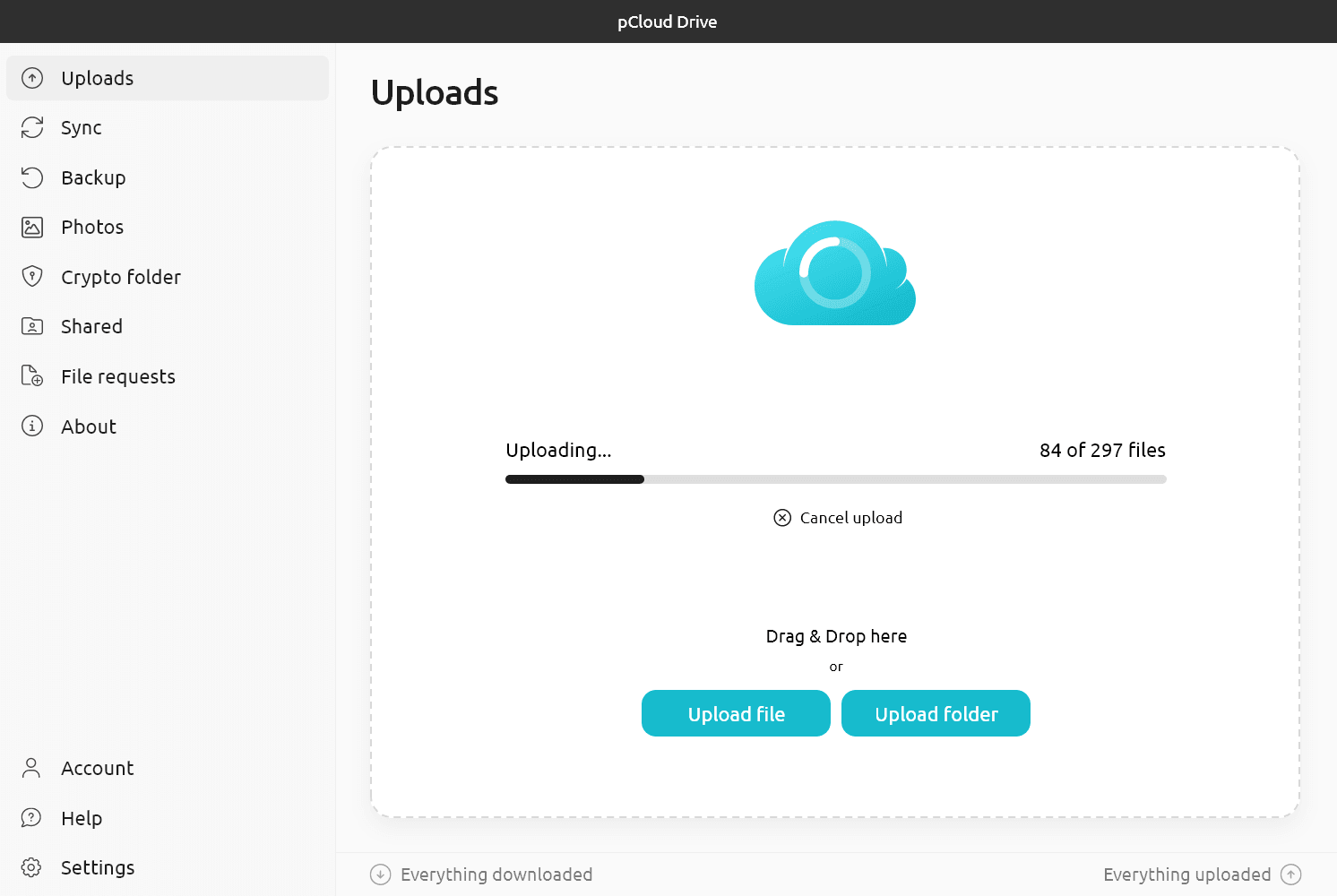
Upload
Make stable uploads that don’t use the local disc space for caching. Enjoy unlimited file size and speed.

Photos
Manage your photos and videos in one place with quick access. Relive your memories with an easy-to-scroll timeline.
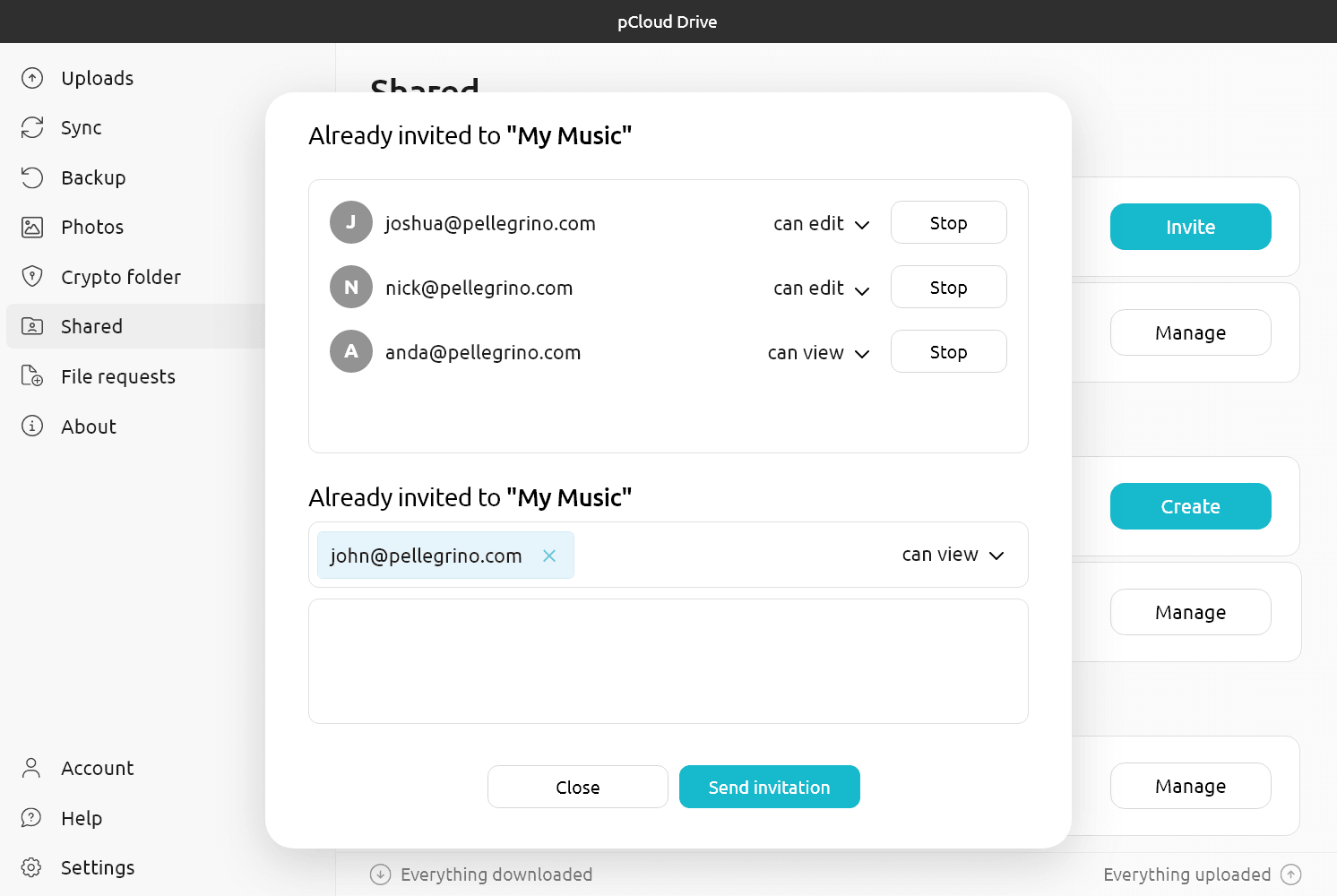
Share and collaborate
Share files securely and collaborate with customisable access controls for efficient teamwork.
Encryption
Keep your files fully private with our zero-knowledge encryption. This means only you hold the keys to decipher your data, to others — it’s unreadable. Enabling Encryption adds a Crypto folder to your account, so you have the freedom to store both client-side and server-side encrypted files.
Install pCloud Drive
pCloud for iOS
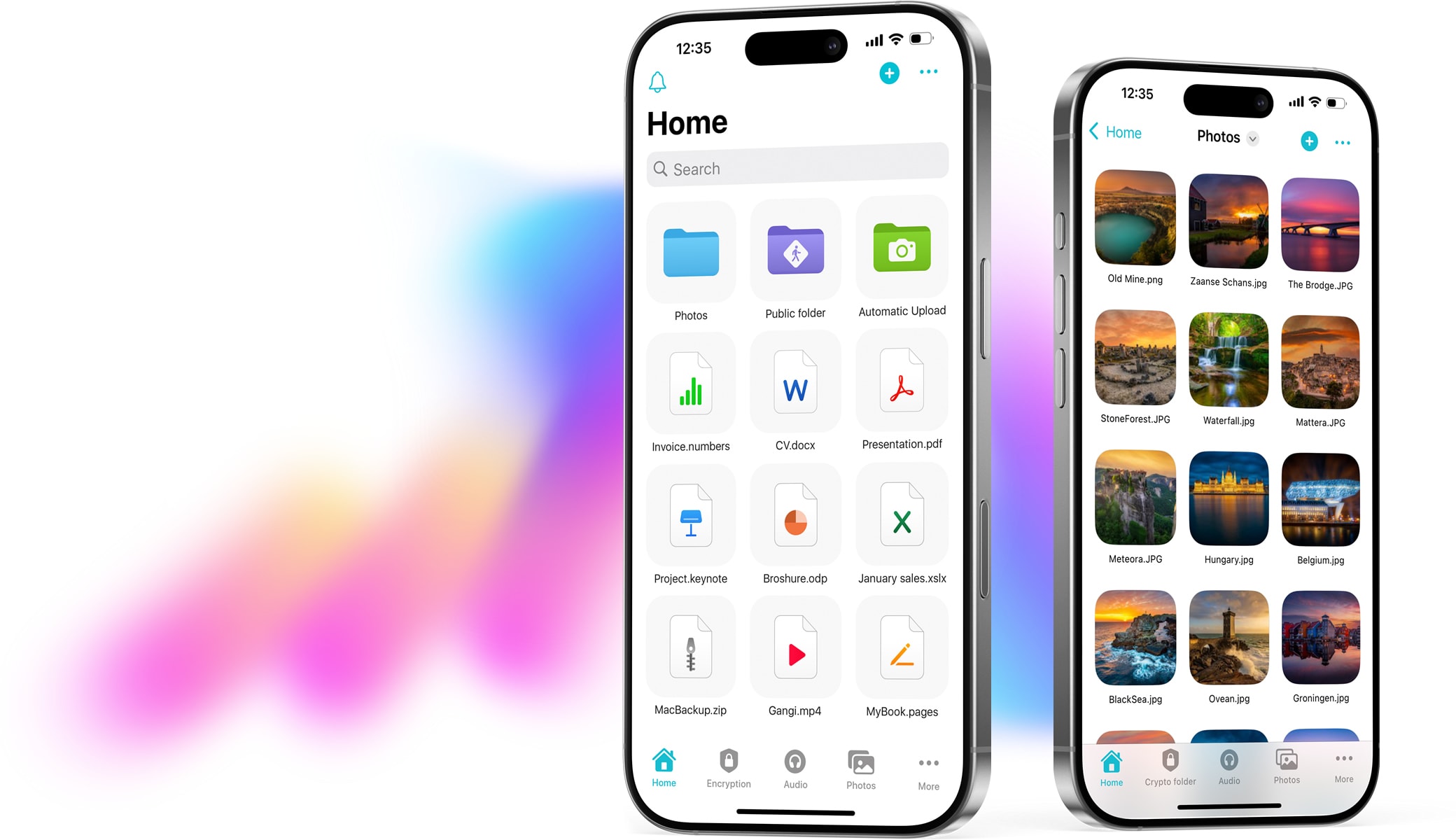
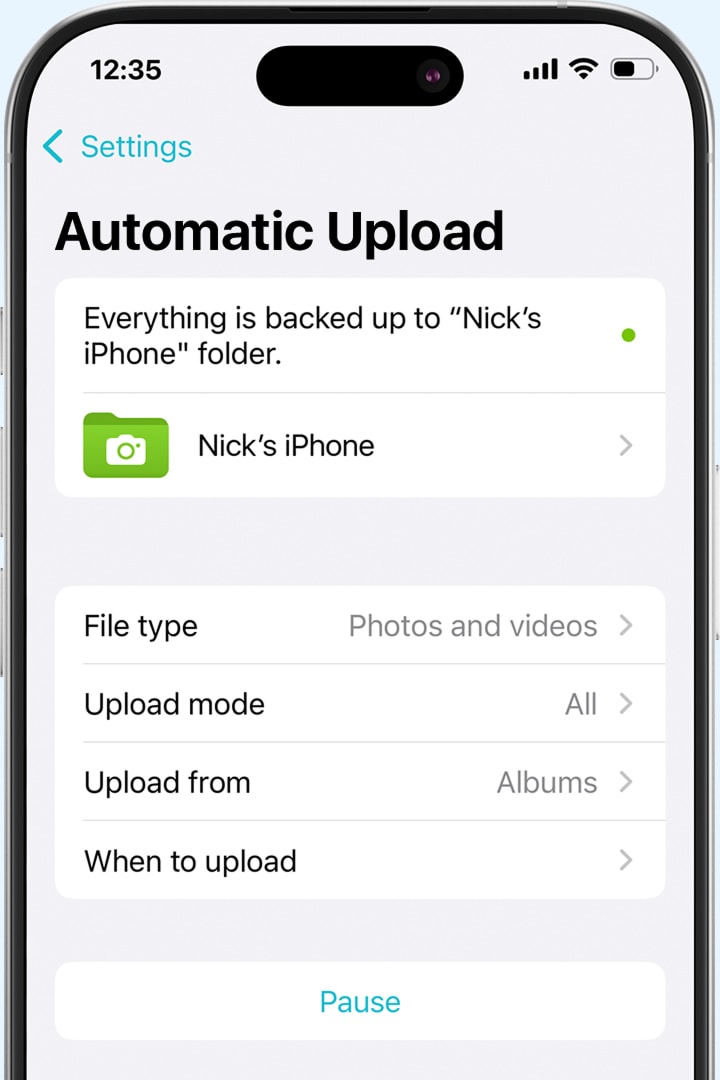
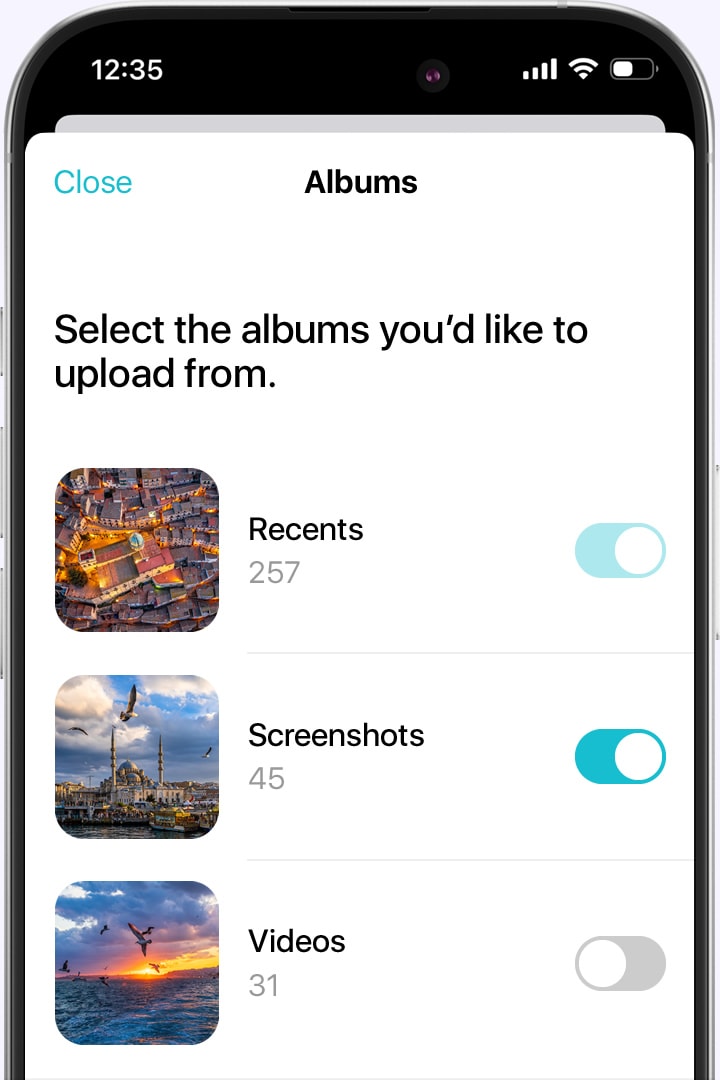
Capture, store, and share with ease. Auto-backup your media and enjoy music anywhere.

Features
Encryption
Keep your files fully private with our zero-knowledge encryption. This means only you hold the keys to decipher your data, to others — it’s unreadable. Enabling Encryption adds a Crypto folder to your account, so you have the freedom to store both client-side and server-side encrypted files.
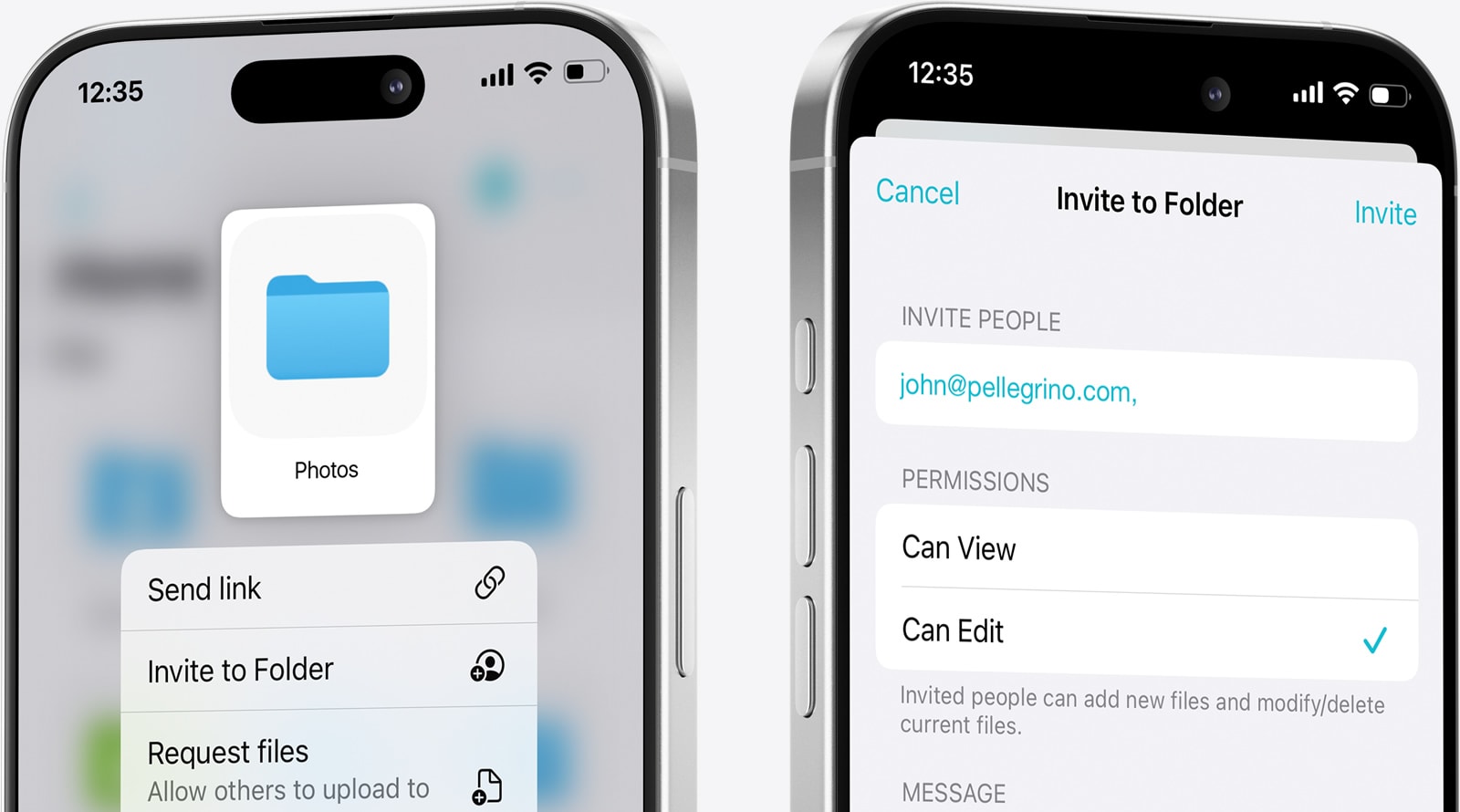
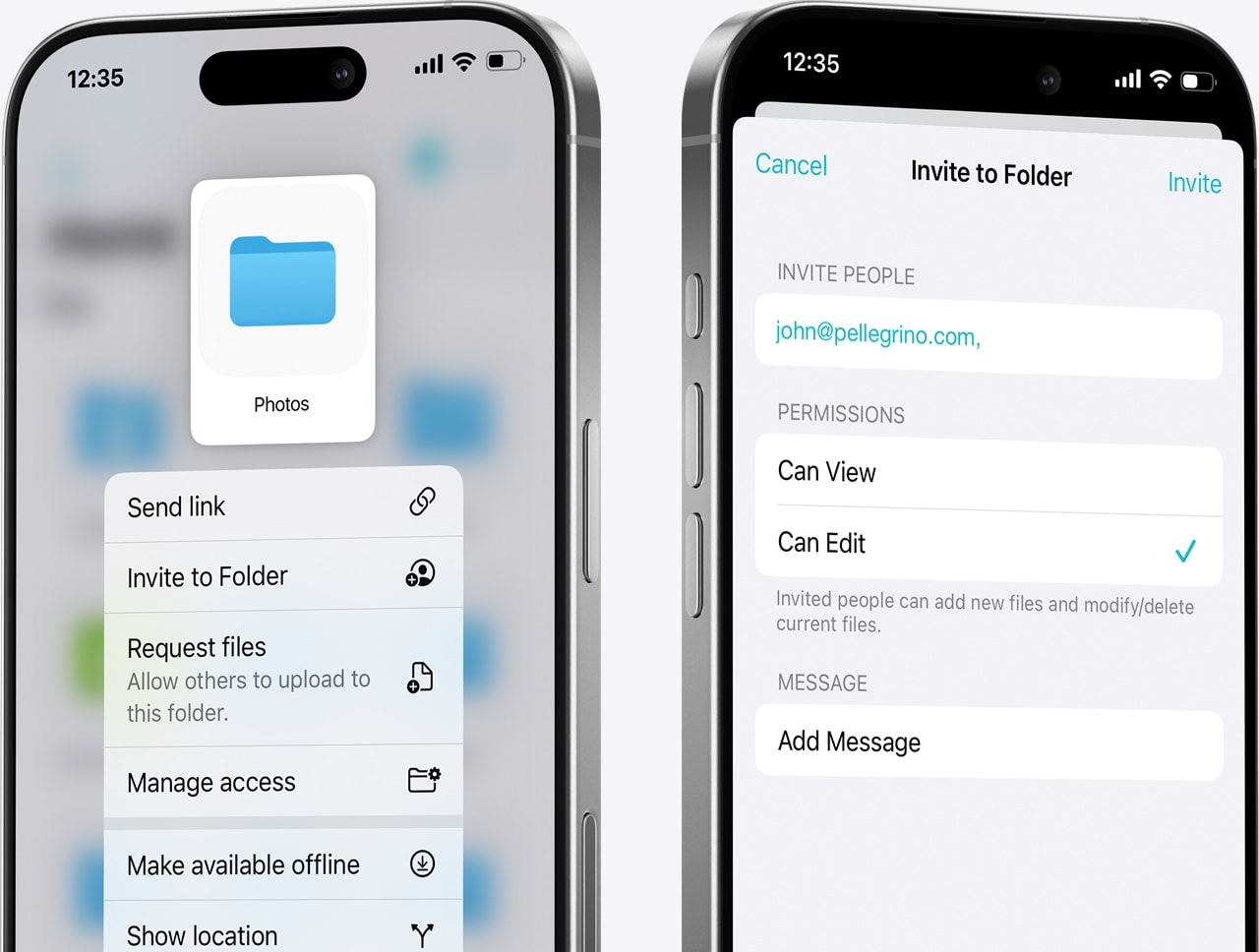
Share and collaborate
Share files securely and collaborate with customisable access controls for efficient teamwork.
Install pCloud Mobile App
pCloud for Android
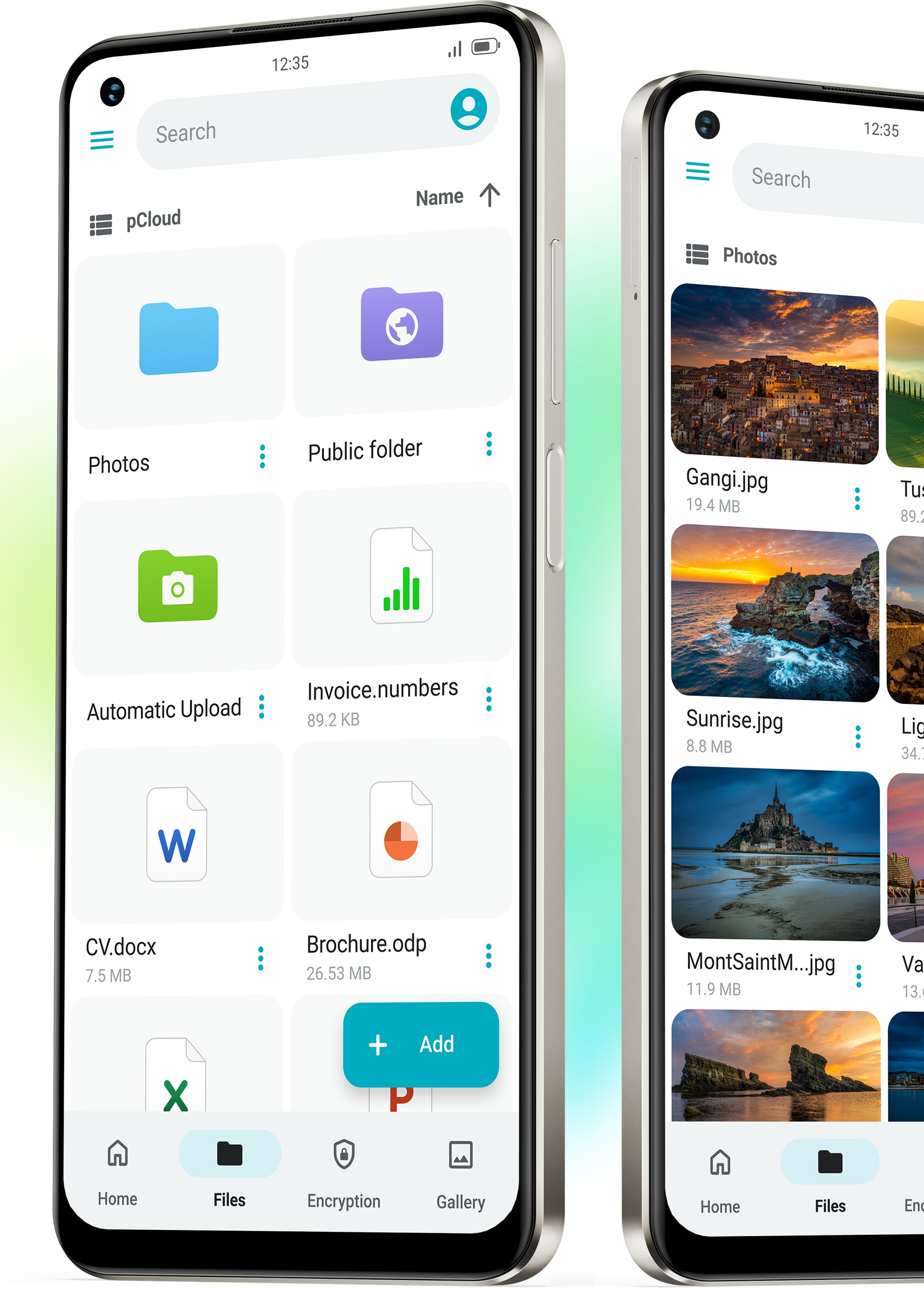
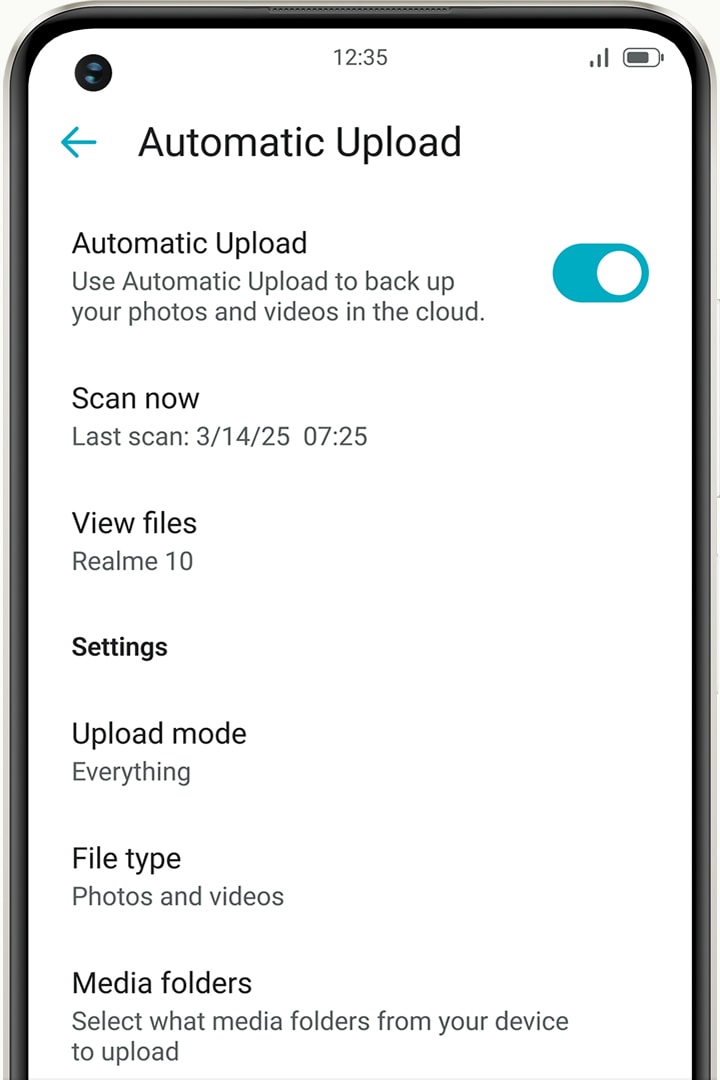
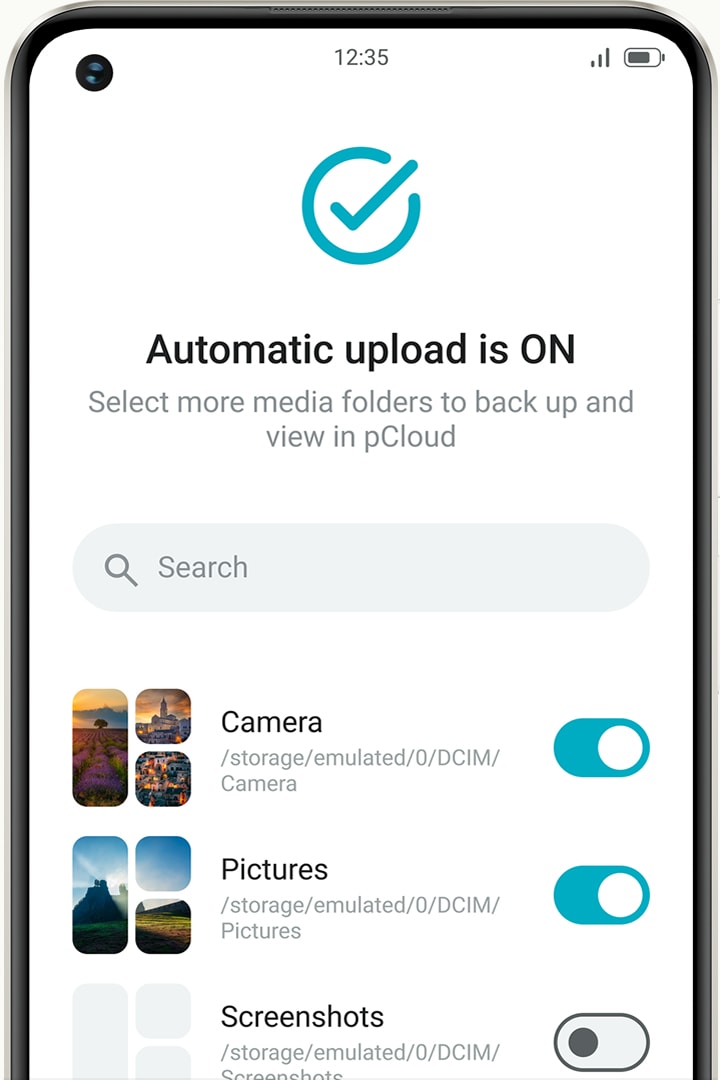
Capture, store, and share with ease. Auto-backup your media and enjoy music anywhere.

Features
Encryption
Keep your files fully private with our zero-knowledge encryption. This means only you hold the keys to decipher your data, to others — it’s unreadable. Enabling Encryption adds a Crypto folder to your account, so you have the freedom to store both client-side and server-side encrypted files.
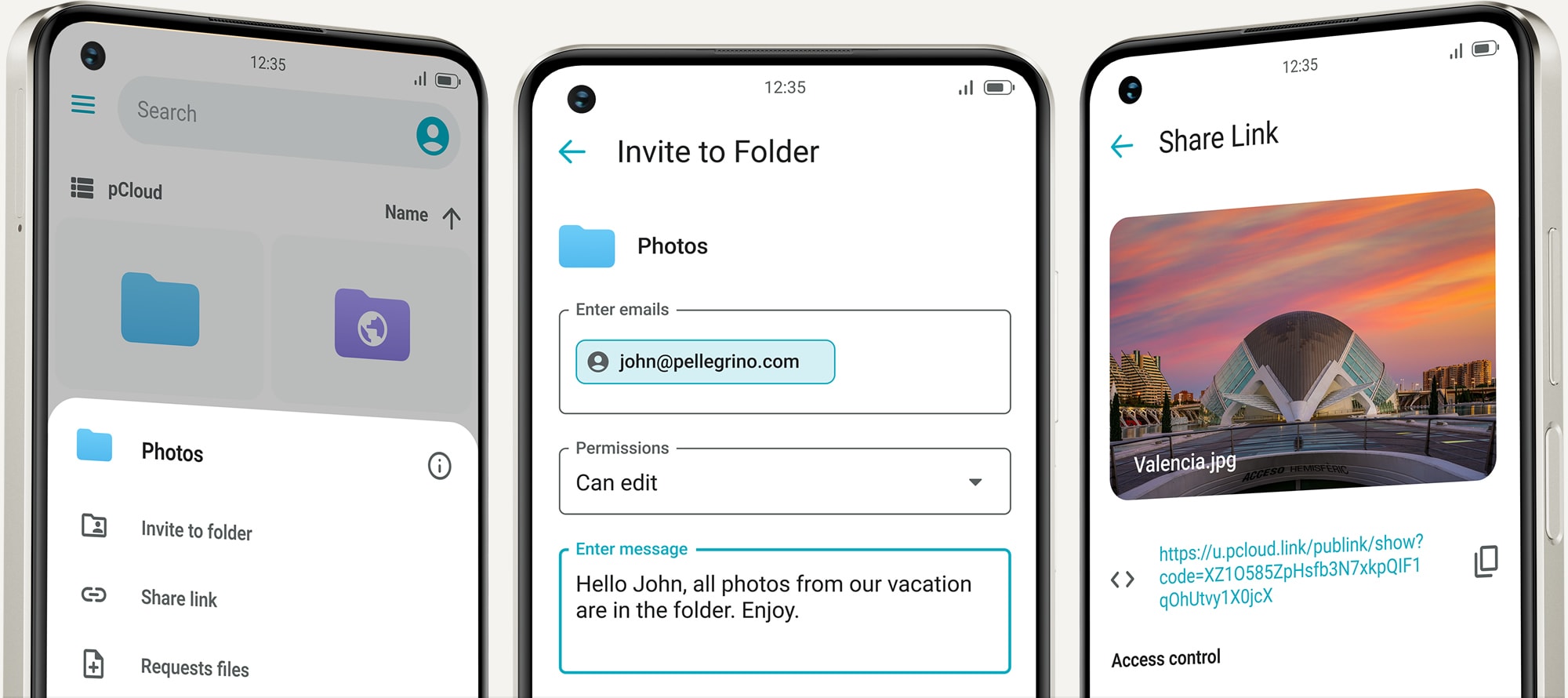
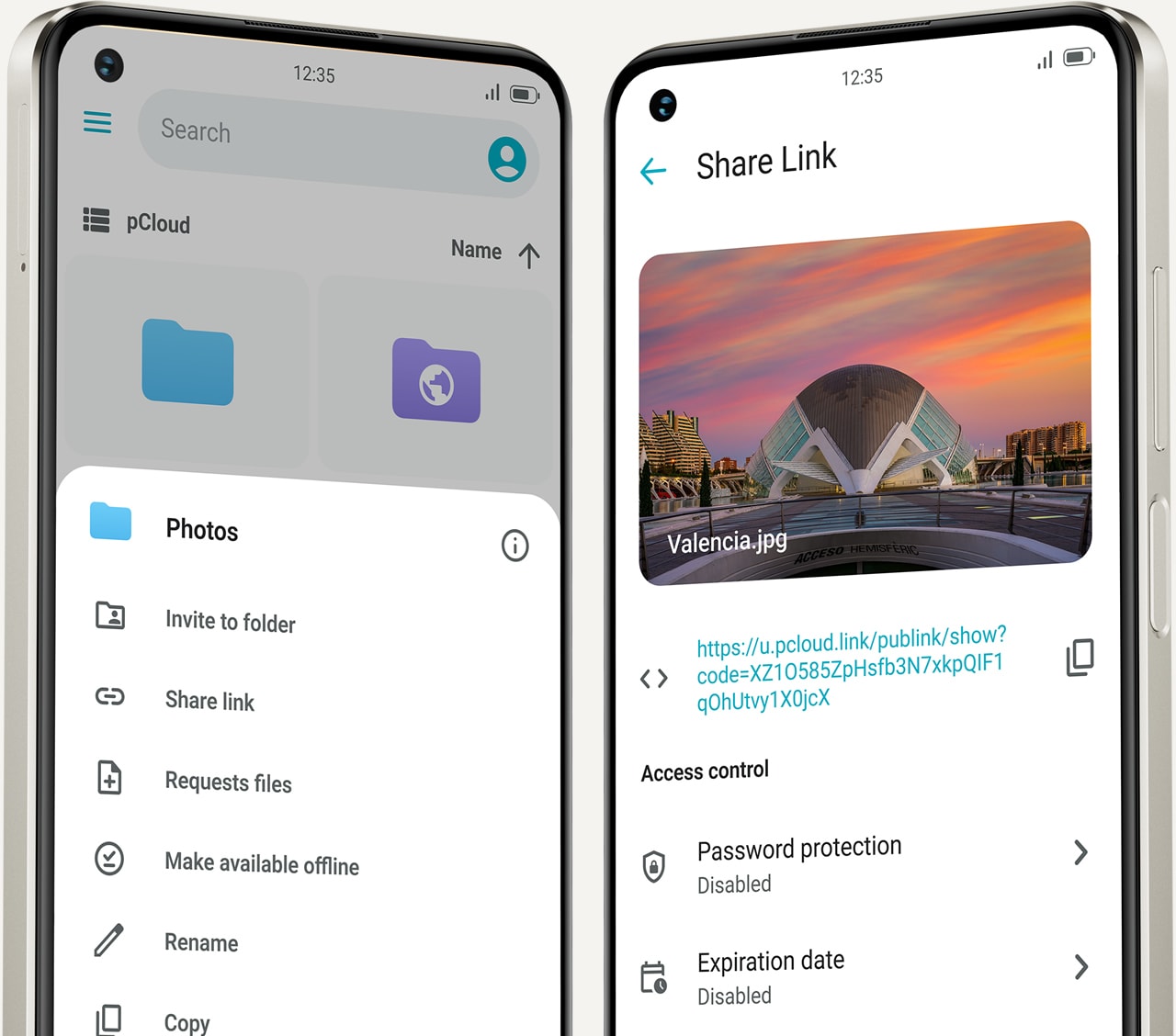
Share and collaborate
Share files securely and collaborate with customisable access controls for efficient teamwork.
Install pCloud Mobile App